The preview / Your idea, placed
See it on your skin.
Drag it, size it, rotate it. Swap in your own design or photo whenever you like — nothing is uploaded.
HOW THE TATTOO PREVIEW WORKS
A tattoo preview puts your design on a picture of your body so you can judge placement and size before anyone picks up a needle. This one runs entirely in your browser: use your own photo or one of seven body templates, drop in your design, and move it until it sits where you want it.
HOW TO SEE A TATTOO ON YOUR BODY BEFORE YOU GET IT
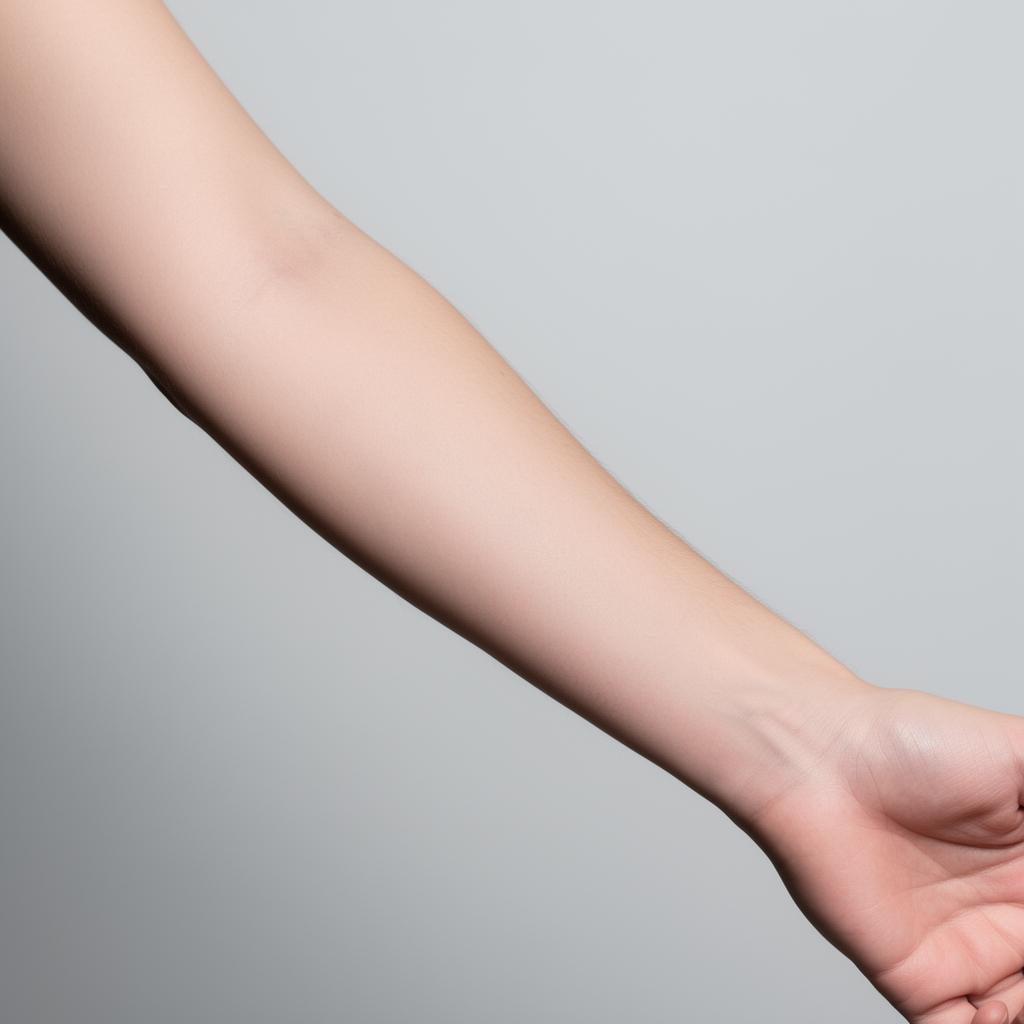
Start with the sample, or swap in your own design. When you add a design, its background is removed on your device, so a sketch on white paper becomes just the lines. Then pick a surface: take or upload a photo of the spot you have in mind, or use one of the seven templates — forearm, wrist, shoulder, neck, chest, back or leg. Drag the design into place, then adjust its size, rotation and opacity, flip it either way, and choose a blend mode so the ink sits in the skin rather than floating on top of it. Multiply and Darken usually look the most like healed black ink.
TESTING PLACEMENT AND SIZE
The most useful thing a preview does is settle the size argument early. Try the design at the size you first imagined, then one step larger, and compare them side by side at arm's length rather than zoomed in. Look at it on the exact part of the body you mean, because a design that suits the forearm can look lost on the back or crowded on the wrist. Save a picture of each version you like — the download is free — and bring them to the consultation. An artist can respond to a picture far more usefully than to a description.
WHAT A PREVIEW CANNOT TELL YOU
A preview is a flat picture on a flat photo, so it is honest about position and scale and silent about three things. It does not bend the design around the curve of a limb, and a straight line across a bicep will not look straight in real life. It cannot show how the lines will spread over the years, which decides whether fine detail survives at the size you chose. And it does not know your skin. Treat it as a way to decide where and how big, not as a promise of how the finished tattoo will look. For the aging and detail question, the free check scores the same design across six dimensions.
YOUR PHOTOS STAY ON YOUR DEVICE
Nothing you add here is uploaded. The design, the background removal and your photo are all processed in your browser, and they are gone when you close the tab — unless you choose to send the design on to the check, which is a separate step you take yourself. That is why the tool can offer the camera option without asking you to sign up: there is no account, no gallery on a server, and nothing for anyone else to see.
QUESTIONS
- Is the tattoo preview free?
- Yes. Placing a design and downloading the result are both free and unlimited. The free download is up to 1200px on its longest side with a small check.tattoo mark in the corner. A full-resolution download without the mark is a one-time $4 payment, only if you want it.
- Can I try my own tattoo design?
- Yes. Upload any image of your design. The background is removed on your device, so a drawing on paper or a screenshot works.
- Can I see the tattoo on my own body?
- Yes. Take a photo with your camera or upload one, and the design goes on that. If you would rather not use a photo, there are seven body templates.
- How accurate is a tattoo preview?
- It is accurate about where the design sits and how big it is relative to your body. It does not account for the curve of the body or for how ink ages in skin, so treat it as a guide to placement and size, not a picture of the healed tattoo.